

New 10 Romantic Couple AI Prompts for Beautiful Cinematic Photography during Sunrise
Romantic couple photography has always been a staple of visual storytelling, but AI image generation is taking it to a whole new level. With the right prompts, you can capture the essence of a perfect sunrise without ever stepping foot on a beach or mountain top. This collection brings together ten carefully crafted prompts designed to help you create stunning, cinematic images that feel both intimate and grand.
Whether you are a photographer looking to expand your portfolio, a content creator seeking fresh ideas, or simply someone who loves the beauty of a well-composed image, these prompts offer a versatile starting point. Each one focuses on specific lighting conditions, poses, and environmental details to ensure your final output feels authentic and emotionally resonant.
What this romantic couple prompt collection is asking for
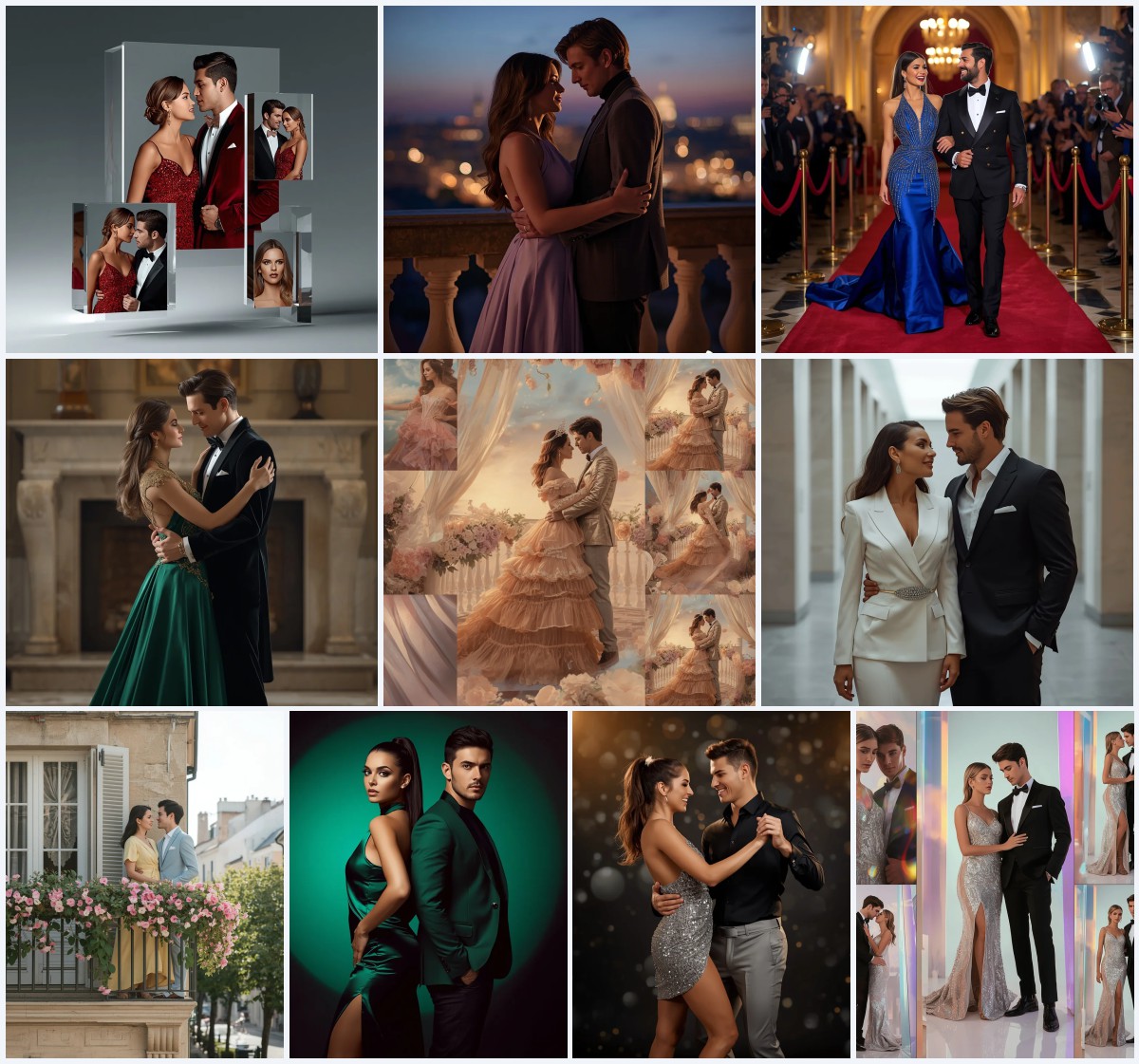
This set of prompts is designed to evoke a sense of warmth, connection, and natural beauty through the lens of AI generation. The core request across all ten variations is a cinematic portrayal of a couple during the golden hour of sunrise. The focus is heavily placed on realistic skin tones, soft ambient lighting, and dynamic compositions that highlight the relationship between the two subjects.
- Cinematic sunrise lighting with warm golden hues
- Realistic skin textures and natural facial expressions
- Dynamic poses suggesting intimacy and movement
- Background elements like misty water or rolling hills
- High-resolution detail suitable for print or digital display
- A shallow depth of field to isolate the subjects
The scene behind the magic
Imagine standing at the edge of a calm lake as the first light breaks over the horizon. The air is cool, and the world is quiet except for the gentle lapping of water against the shore. In this setting, the couple is not just posing; they are experiencing a moment together. The prompt asks for a "cinematic photography" style that captures the fleeting nature of sunrise, where shadows are long and colors are saturated yet soft.
The visual narrative relies on the interplay between the subjects and their environment. Phrases like "beautiful cinematic photography" suggest a deliberate framing that treats the couple as the focal point while allowing the sunrise to provide context and mood. The scene is not overly staged but rather feels candid, as if captured by a skilled photographer waiting for the perfect second.
Why this approach works for AI generation
Using a collection of similar prompts allows for iterative refinement. By keeping the core elements consistent—such as the time of day and the emotional tone—you can experiment with minor variations in pose or background without losing the overall aesthetic. This method helps AI models understand the desired style more clearly, leading to more consistent results across multiple generations.
- Consistency in lighting ensures a cohesive look across different images
- Specific emotional cues help the AI interpret facial expressions accurately
- Clear environmental descriptions prevent generic or cluttered backgrounds
Styles embedded in the prompts
There are three distinct stylistic approaches woven into this collection, each serving a different purpose depending on your final goal. These styles are not mutually exclusive; in fact, blending them often yields the most compelling results. Understanding these nuances helps you tailor the output to match your specific creative vision.
- Cinematic Realism: Focuses on high-dynamic-range lighting and film-like color grading to enhance emotional impact.
- Soft Focus Romance: Uses shallow depth of field and diffused light to create a dreamy, intimate atmosphere.
- Documentary Naturalism: Emphasizes unposed, candid moments with natural textures and minimal artificial enhancement.
How to use these prompts effectively
Getting the best results from AI image generators requires a structured workflow. Start by selecting the base prompt that best matches your desired composition. Then, follow these steps to refine the output until it meets your standards. Pay close attention to the details, as small adjustments in wording can significantly alter the final image.
- Copy the Prompt. Select the specific prompt text from the list above and copy it to your clipboard.
- Upload Reference. If using a tool that supports image-to-image, upload a reference photo of a couple or a sunrise scene.
- Generate Initial Image. Paste the prompt into the generator and run the first iteration to see the baseline result.
- Check Hands. Zoom in on the hands to ensure fingers are correctly formed and positioned naturally.
- Verify Face. Inspect the faces for symmetry, correct eye alignment, and natural skin texture.
- Assess Main Object. Evaluate the interaction between the couple and the sunrise light to ensure the mood is captured.
Reference photo considerations
While these prompts are designed to work standalone, providing a reference image can guide the AI toward a specific aesthetic. When choosing a reference, look for photos that align with the technical specifications mentioned in the prompts. This helps anchor the model's interpretation of complex elements like lighting and composition.
- Choose a photo with clear, unobstructed views of the subjects' faces
- Ensure the reference image has a similar aspect ratio to your desired output
- Select a background that complements the sunrise theme without distracting from the couple
Recommended tools for generation
Different AI platforms handle photographic realism and stylistic nuance in unique ways. The following table compares four popular tools based on their accessibility, typical output quality, and specific utility for this type of prompt. Choose the platform that best fits your workflow and budget constraints.
| Tool | Access | Typical realism | Useful here for |
|---|---|---|---|
| ChatGPT | Web/App | Moderate | Drafting prompt variations and explaining lighting concepts |
| Google Gemini | Web/App | High | Integrating multi-modal inputs for complex scene descriptions |
| Leonardo AI | Web | Very High | Fine-tuning cinematic lighting and texture details |
| Midjourney | Discord/Web | Artistic/High | Creating stylized, dreamlike interpretations of the sunrise |
Tips for refining the output
Even with a well-crafted prompt, the first few generations may require tweaking. Focus on the specific elements that define the romantic and cinematic qualities of the image. Adjusting these parameters can transform a good image into an exceptional one. Keep these tips in mind as you iterate through your generations.
- Specify the exact time of sunrise, such as 'golden hour' or 'blue hour', to control color temperature
- Describe the clothing materials, like 'flowing silk' or 'denim', to add texture and realism
- Mention the camera settings, such as '85mm lens' or 'f/1.8 aperture', to influence depth of field
Common issues and solutions
AI image generation is not without its challenges. Certain aspects of human anatomy and complex lighting scenarios can sometimes be misinterpreted by the model. Identifying these common pitfalls early in the process saves time and frustration. Use this table as a troubleshooting guide when your outputs do not meet expectations.
| Issue | What to change |
|---|---|
| Distorted hands or extra fingers | Add negative prompts like 'extra fingers, malformed hands' or simplify the pose |
| Overexposed highlights in the sky | Request 'balanced exposure' or 'HDR' to preserve detail in bright areas |
| Unnatural skin tones | Specify 'natural skin texture' and avoid terms like 'plastic' or 'waxy' |
| Cluttered background | Use keywords like 'minimalist background' or 'blurred scenery' to reduce distractions |
Frequently Asked Questions
Can I use these prompts for commercial purposes?
Yes, most AI-generated images can be used commercially, but always check the specific terms of service of the platform you are using to ensure compliance.
Do I need a reference image to get good results?
No, these prompts are designed to work independently. However, adding a reference image can help guide the style and composition if you have a specific look in mind.
How many times should I generate before accepting an image?
It varies, but typically 3 to 5 iterations are needed to find the best combination of pose, lighting, and expression. Do not settle for the first result.
Conclusion
These ten romantic couple AI prompts offer a robust foundation for creating visually stunning and emotionally engaging images. By focusing on cinematic lighting, realistic details, and dynamic compositions, you can produce results that rival traditional photography. Experiment with the various styles and tools outlined above to find the perfect blend for your creative needs. Remember that consistency and attention to detail are key to mastering AI image generation.
You are free to edit any photo you have the legal rights to modify for personal or professional use.