

Best 10 Love AI Prompts for Intimate Gazes and Hand Holding with Soft Focus
Creating romantic imagery with AI has never been more accessible or visually striking. This collection of ten curated prompts focuses on capturing the essence of intimacy through subtle details like soft focus lighting and natural body language. Whether you are looking for a cinematic sunset scene or a cozy winter moment, these prompts provide precise instructions for AI models to generate high-quality results.
Each prompt in this set is designed to work seamlessly with popular platforms like ChatGPT, Google Gemini, Leonardo AI, and Midjourney. By specifying camera settings, fabric textures, and emotional cues, you can guide the AI to produce photorealistic images that feel genuine and deeply personal. Let us dive into what makes each of these prompts effective for your next creative project.
What this collection of love prompts is asking for
This set of ten prompts is specifically engineered to highlight the connection between two people in a romantic context. The core request across all variations is the creation of an intimate atmosphere where the subjects are not just posing but interacting naturally. The AI is instructed to focus on the micro-expressions and physical closeness that define a loving relationship, ensuring the output feels authentic rather than staged.
- Soft focus lighting that creates a dreamy, ethereal glow around the subjects.
- Specific camera settings such as 85mm lens and f1.8 aperture to blur backgrounds.
- Detailed fabric descriptions including satin, silk, velvet, and wool coats.
- Natural interactions like holding hands, embracing, or sharing a warm drink.
- Cinematic color palettes ranging from golden hour warmth to cool moonlight.
- Ultra-realistic skin textures to ensure the characters look human and lifelike.
Setting the stage for intimate moments
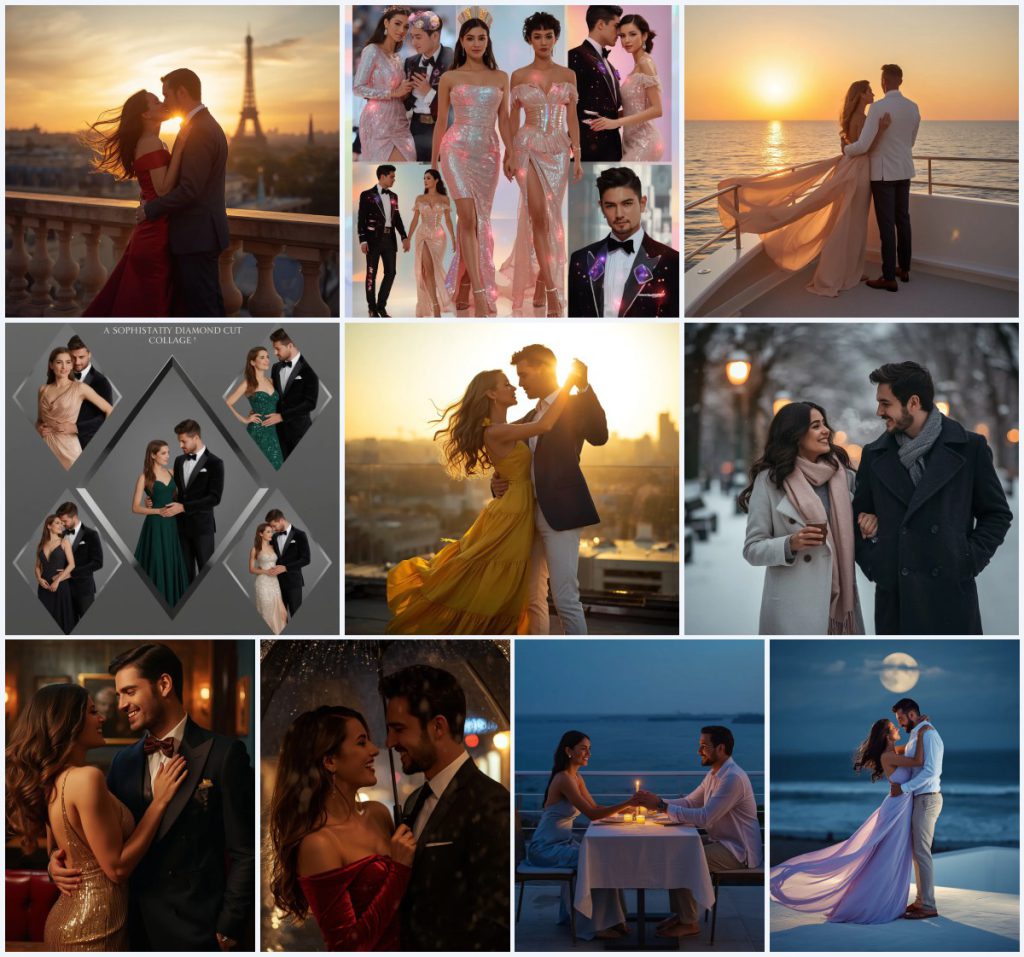
The scenes described in these prompts vary widely but share a common thread of atmospheric depth. For instance, one prompt places the couple on an "elegant stone balcony overlooking the distant Eiffel Tower at sunset," creating a classic romantic backdrop. Another shifts the mood to a "snow-covered park" where they are "sharing a warm drink," emphasizing comfort and closeness amidst the cold environment. These specific settings help the AI understand the lighting conditions and background elements required for a cohesive image.
In other scenarios, the focus moves to urban or indoor settings that enhance the sense of privacy. A "vintage, atmospheric jazz club" provides a dramatic, low-light environment perfect for highlighting "gold sequined cocktail dress" textures under spotlighting. Similarly, a "candlelit dinner on an outdoor seaside terrace" uses the "soft glow of the candles" to create an incredibly intimate vibe. Each setting is chosen to complement the outfits and emotions described, ensuring the final image tells a complete story.
Why these prompts work for romantic photography
These prompts succeed because they combine technical precision with emotional direction. AI models respond well to specific visual cues that mimic professional photography techniques. By defining the exact interaction between light and subject, the prompts reduce ambiguity and increase the likelihood of generating a high-quality result that matches your vision.
- They specify lens focal lengths like 85mm, which is ideal for portraits and isolating subjects from busy backgrounds.
- They describe material textures in detail, helping the AI render realistic reflections on fabrics like satin and velvet.
- They include emotional descriptors such as 'laughing heartily' or 'smiling warmly,' guiding the facial expressions of the generated characters.
Stylistic approaches within the collection
There are three distinct stylistic approaches present in this collection that cater to different aesthetic preferences. Each style remains strictly within the bounds of the provided prompts, offering a range of visual outputs from hyper-realistic to stylized digital art.
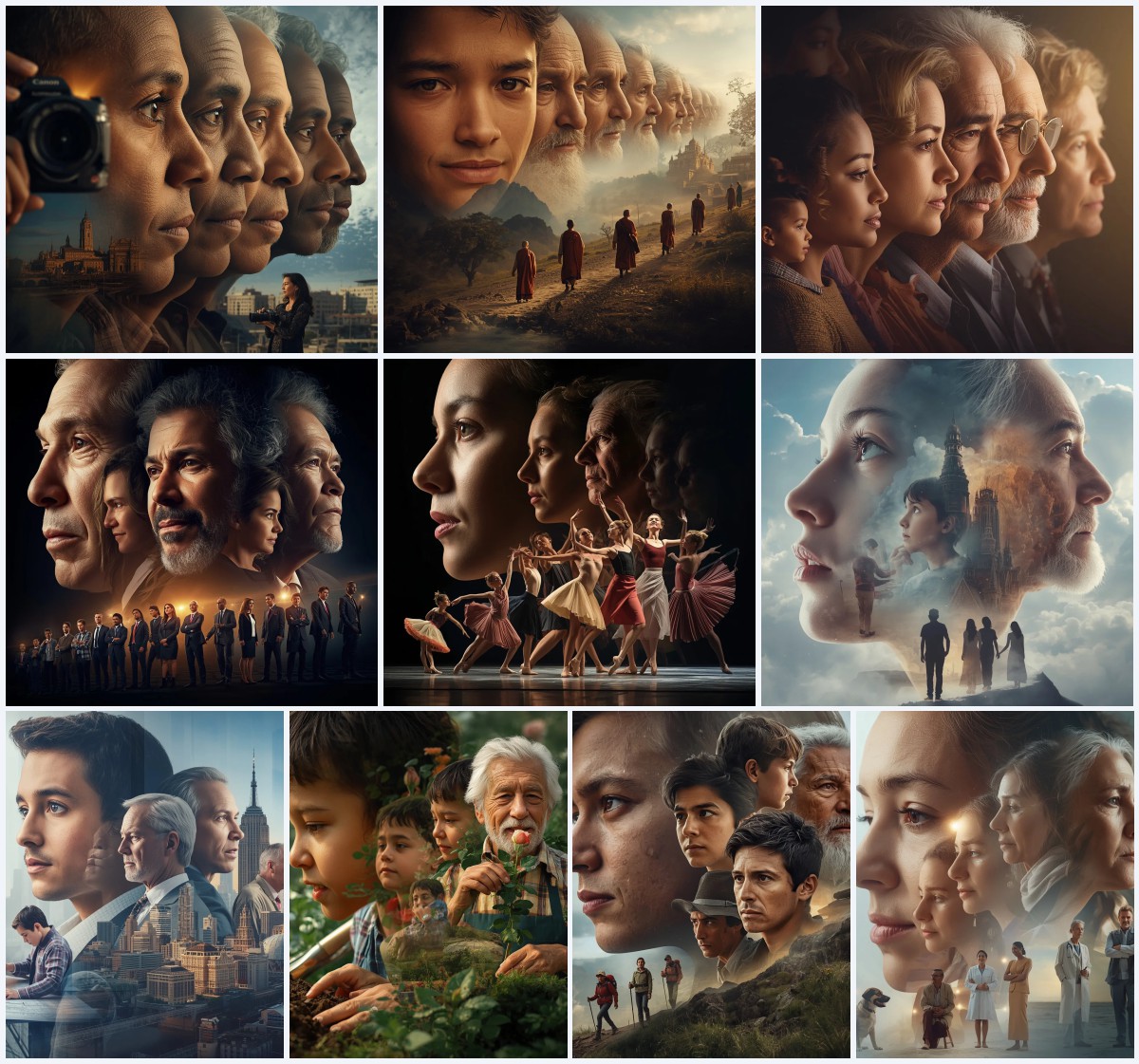
- Cinematic Realism: Uses terms like 'cinematic soft lighting' and 'shallow depth of field' to mimic movie stills with high dynamic range.
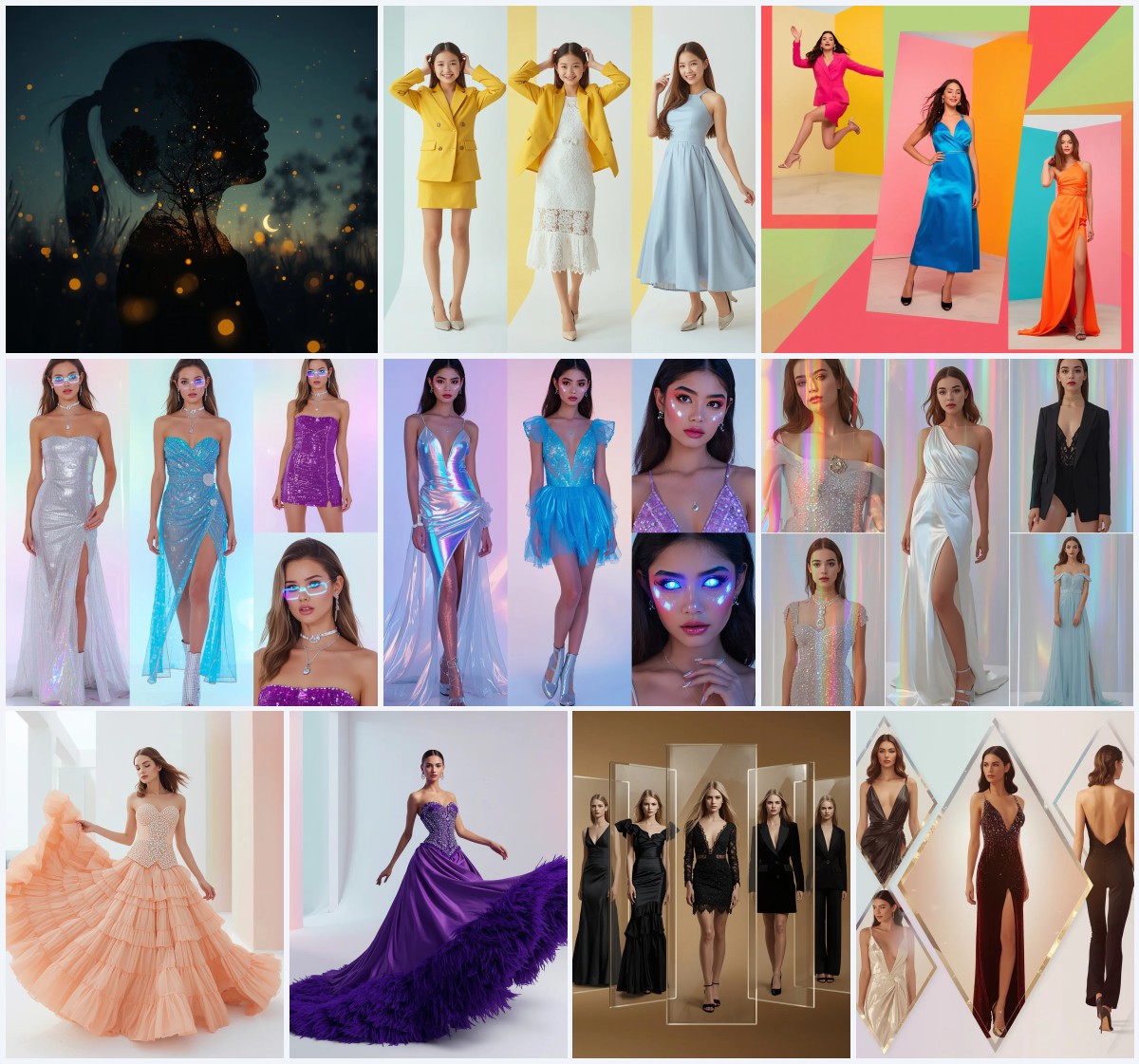
- Futuristic Collage: Employs 'holographic glow effects' and 'glossy pastel gradient' backgrounds for a modern, digital-art inspired look.
- Cozy Winter Atmosphere: Focuses on 'soft park lights' and 'visible breath' in cold air to create a warm, inviting, and highly detailed winter scene.
How to use these prompts effectively
To get the best results from these prompts, follow a structured workflow that ensures consistency and quality. Start by selecting the specific prompt that matches your desired scene and then prepare your input materials accordingly. This process helps the AI model interpret your intentions accurately and produce a polished final image.
- Copy the Prompt. Select the text of the desired prompt from the list above and copy it into your clipboard.
- Upload Reference. If using a tool that supports image-to-image, upload a reference photo of the couple or similar style to guide the composition.
- Generate Image. Paste the prompt into the AI interface and click the generate button to start the rendering process.
- Check Hands. Inspect the generated image closely to ensure the hands are correctly formed and holding objects or each other naturally.
- Check Face. Verify that the facial features are symmetrical and the expressions match the emotional tone described in the prompt.
- Check Main Object. Ensure key items like umbrellas, drinks, or jewelry are rendered clearly without distortion or missing parts.
Choosing the right reference photo
When using image-to-image generation, the quality of your reference photo significantly impacts the final output. It is important to select images that align with the lighting and composition described in the prompt to minimize conflicts during the generation process.
- Use high-resolution photos with clear lighting that matches the time of day specified in the prompt, such as sunset or night rain.
- Select images where the subjects are clearly visible and not obscured by heavy shadows or complex patterns that might confuse the AI.
- Ensure the aspect ratio of your reference photo matches the desired output format to avoid unnecessary cropping or stretching.
Best tools for generating these couple prompts
Different AI platforms handle these prompts with varying degrees of success. Below is a comparison of four popular tools, highlighting their access levels, typical realism, and specific usefulness for this collection of romantic prompts.
| Tool | Access | Typical realism | Useful here for |
|---|---|---|---|
| ChatGPT | Free/Tiered | High | Generating descriptive text variations for the 'Romantic Sunset Kiss' prompt. |
| Google Gemini | Free/Tiered | Medium-High | Handling complex multi-object scenes like the 'Futuristic Collage' with holographic effects. |
| Leonardo AI | Freemium | Very High | Rendering detailed fabric textures in the 'Vintage Jazz Club' gold sequined dress. |
| Midjourney | Paid | Very High | Achieving cinematic lighting and depth of field in the 'Moonlit Beach Terrace' scene. |
Tips for enhancing your generated images
Small adjustments to your prompt or post-processing can make a significant difference in the final quality. Pay attention to the specific materials and objects mentioned in the prompts to ensure they are rendered with the correct level of detail and realism.
- Emphasize the 'satin' texture in the red gown by adding keywords like 'reflective sheen' to highlight the fabric's luster.
- For the 'snow-covered park' scene, add 'crisp air' to enhance the visibility of breath and the clarity of snowflakes.
- In the 'candlelit dinner' prompt, specify 'warm amber tones' to strengthen the intimate glow against the deep blue ocean background.
Common issues and how to fix them
AI generation is not always perfect, and certain elements may require troubleshooting. Here are four common issues you might encounter with these prompts and suggested ways to resolve them.
| Issue | What to change |
|---|---|
| Distorted hands when holding objects | Add 'well-formed hands' and 'natural grip' to the prompt or use a hand-fixing tool in post-processing. |
| Background clutter distracting from subjects | Increase the depth of field blur by specifying 'stronger bokeh' or 'f1.4 aperture' in the prompt. |
| Unrealistic skin texture appearing plastic | Include 'pore-level detail' and 'natural skin imperfections' to encourage more realistic rendering. |
| Lighting inconsistencies between subjects | Specify 'consistent global illumination' and 'matched color temperature' to ensure both figures are lit similarly. |
Frequently Asked Questions
Can I use these prompts for commercial purposes?
Yes, most AI platforms allow commercial use of generated images, but you should check the specific terms of service for the tool you are using to ensure compliance.
Which prompt is best for a wedding announcement?
The 'Romantic Sunset Kiss On Parisian Balcony Glow' prompt is ideal due to its elegant setting and timeless romantic appeal, making it suitable for formal announcements.
How do I make the couple look more like me and my partner?
Use image-to-image generation with a clear photo of yourselves as the reference. You can also add specific facial feature descriptions to the prompt for better accuracy.
Conclusion
This collection of ten love AI prompts offers a versatile toolkit for creating stunning, intimate couple imagery. By leveraging specific technical details and emotional cues, you can guide AI models to produce high-quality results that capture the essence of romance. Experiment with different tools and reference photos to find the combination that best suits your creative vision, and remember to pay close attention to the fine details that bring these images to life.
Always ensure you have the legal right to edit and use any personal photographs before uploading them to AI platforms.