

Best 10 AI Prompts for Women’s New Instagram Trend for Girl Aesthetics
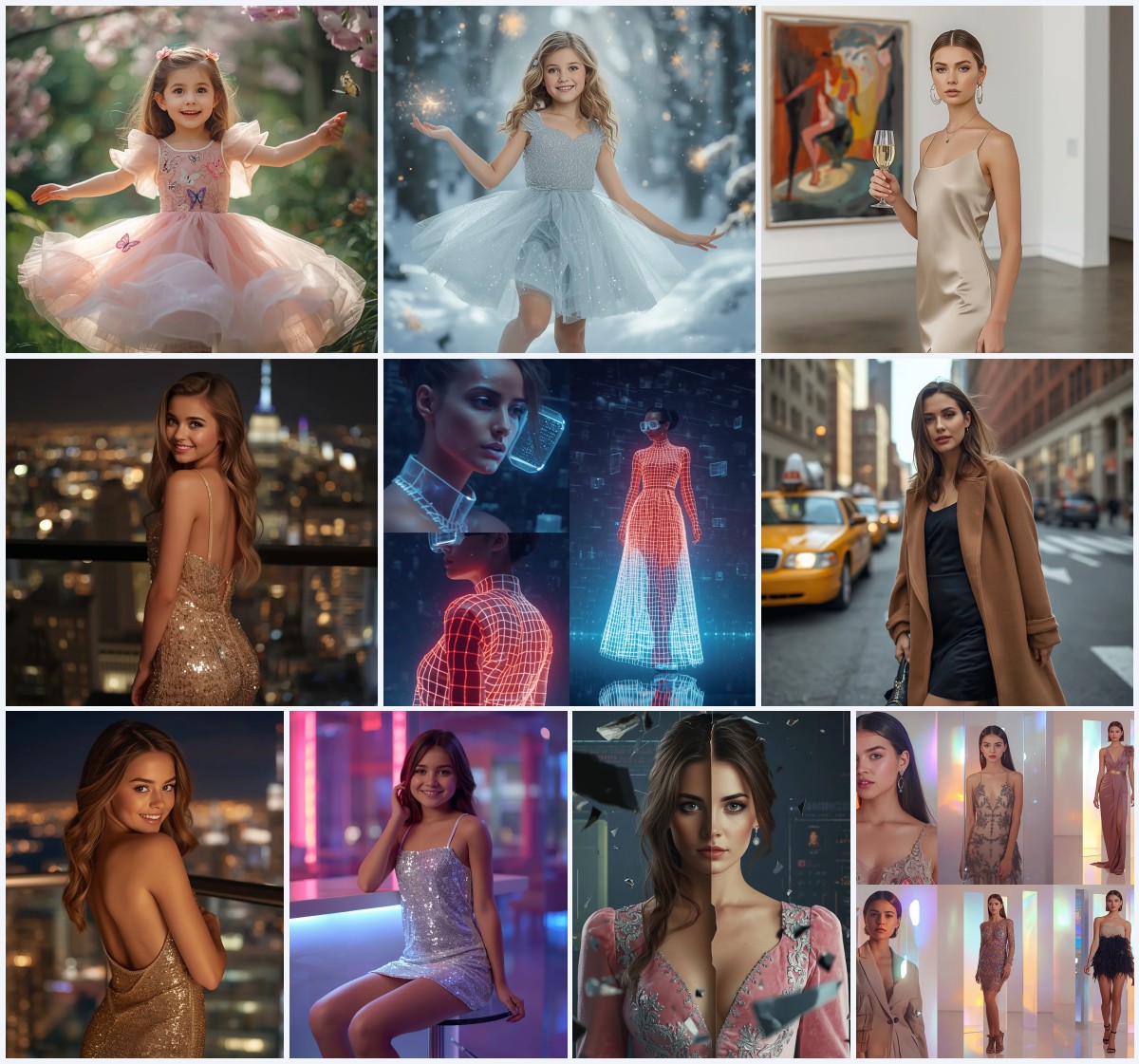
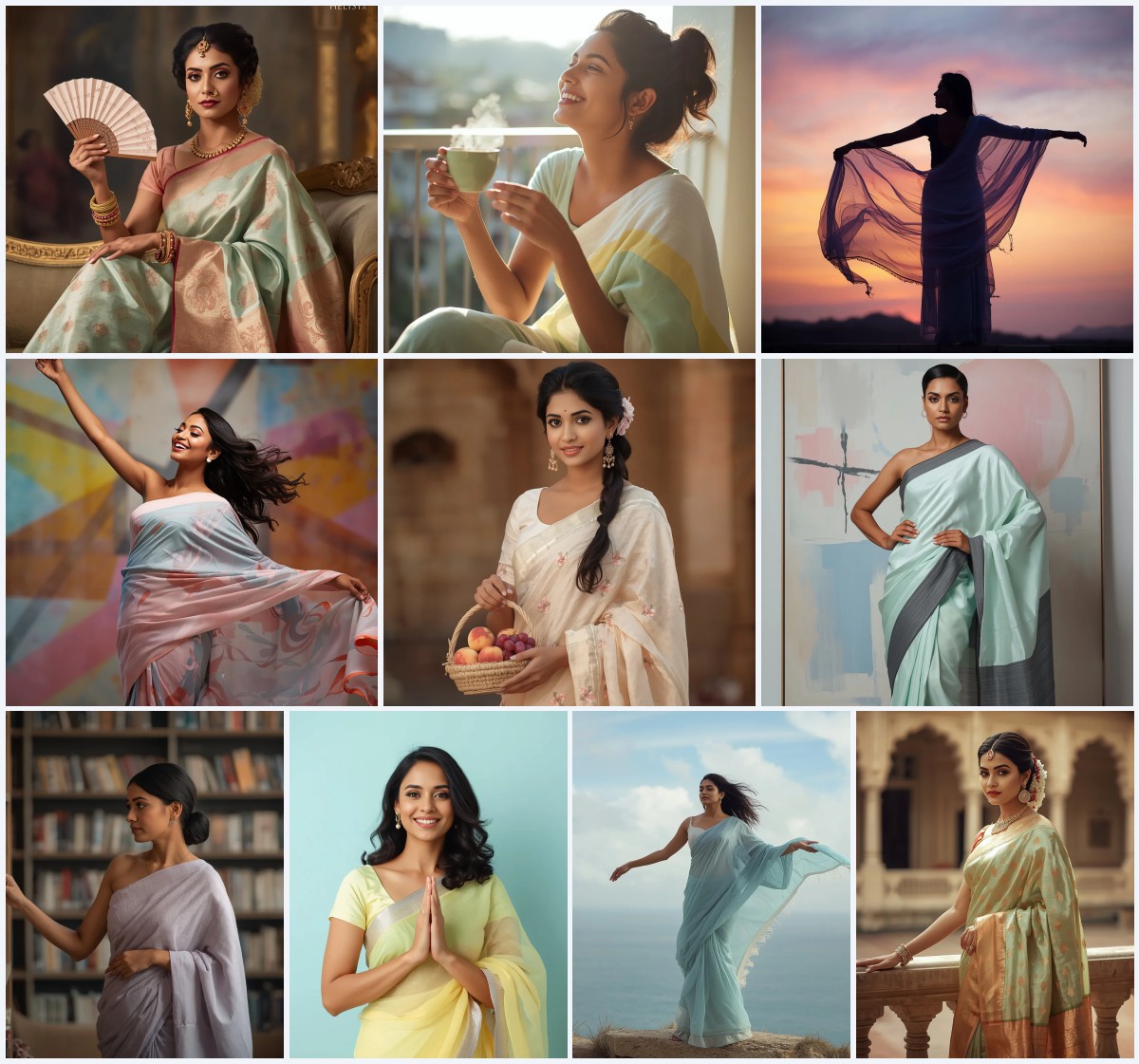
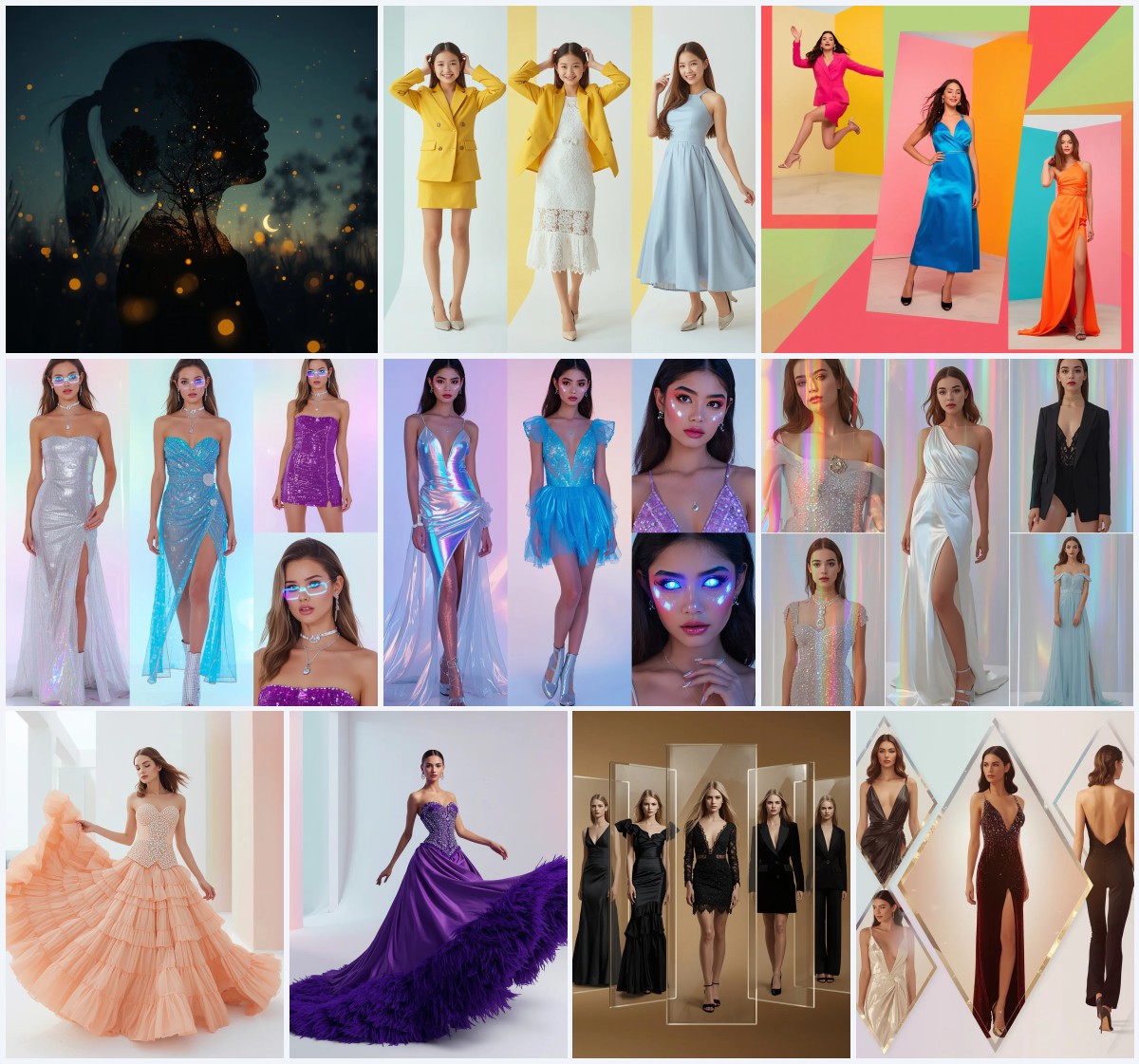
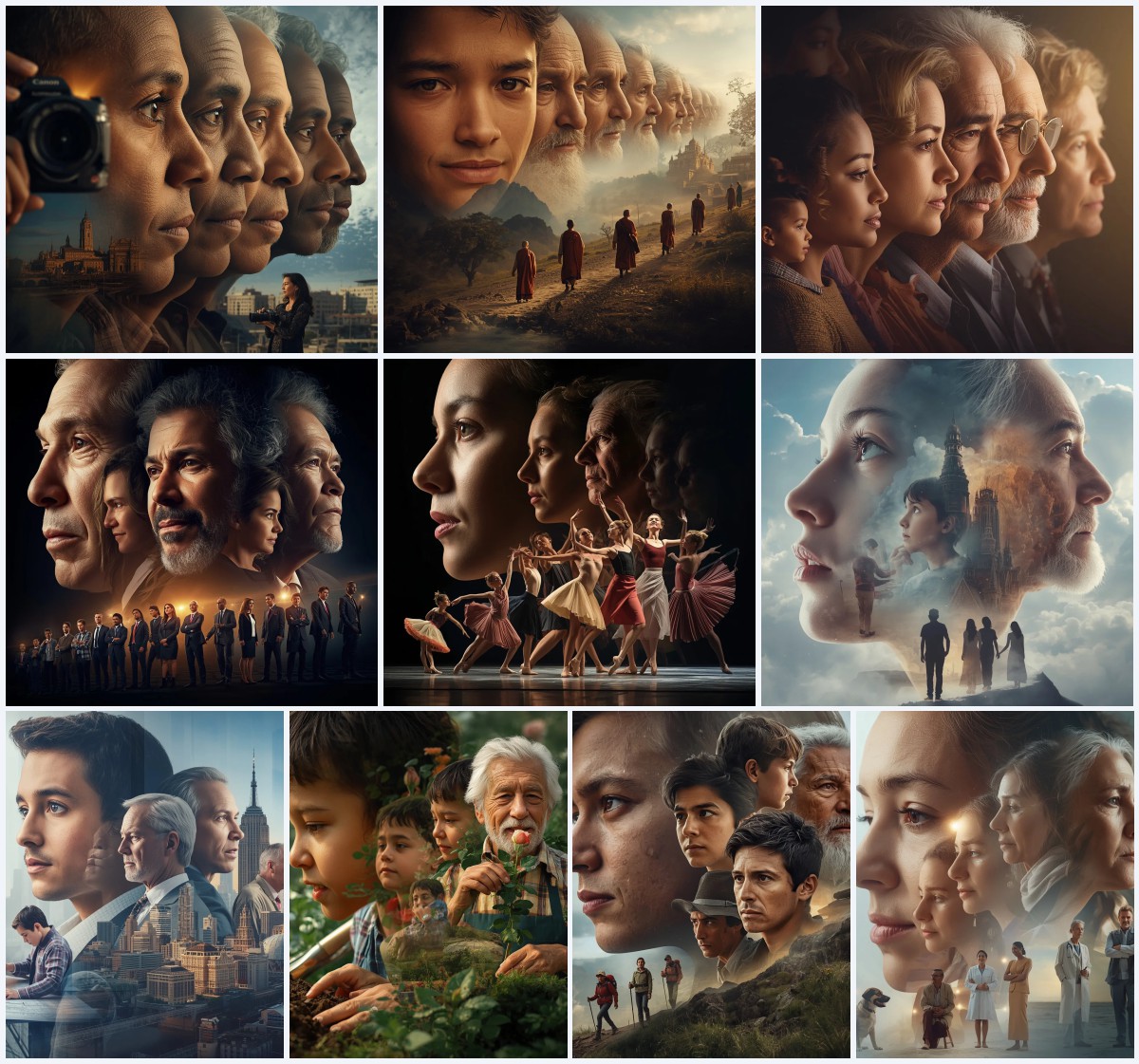
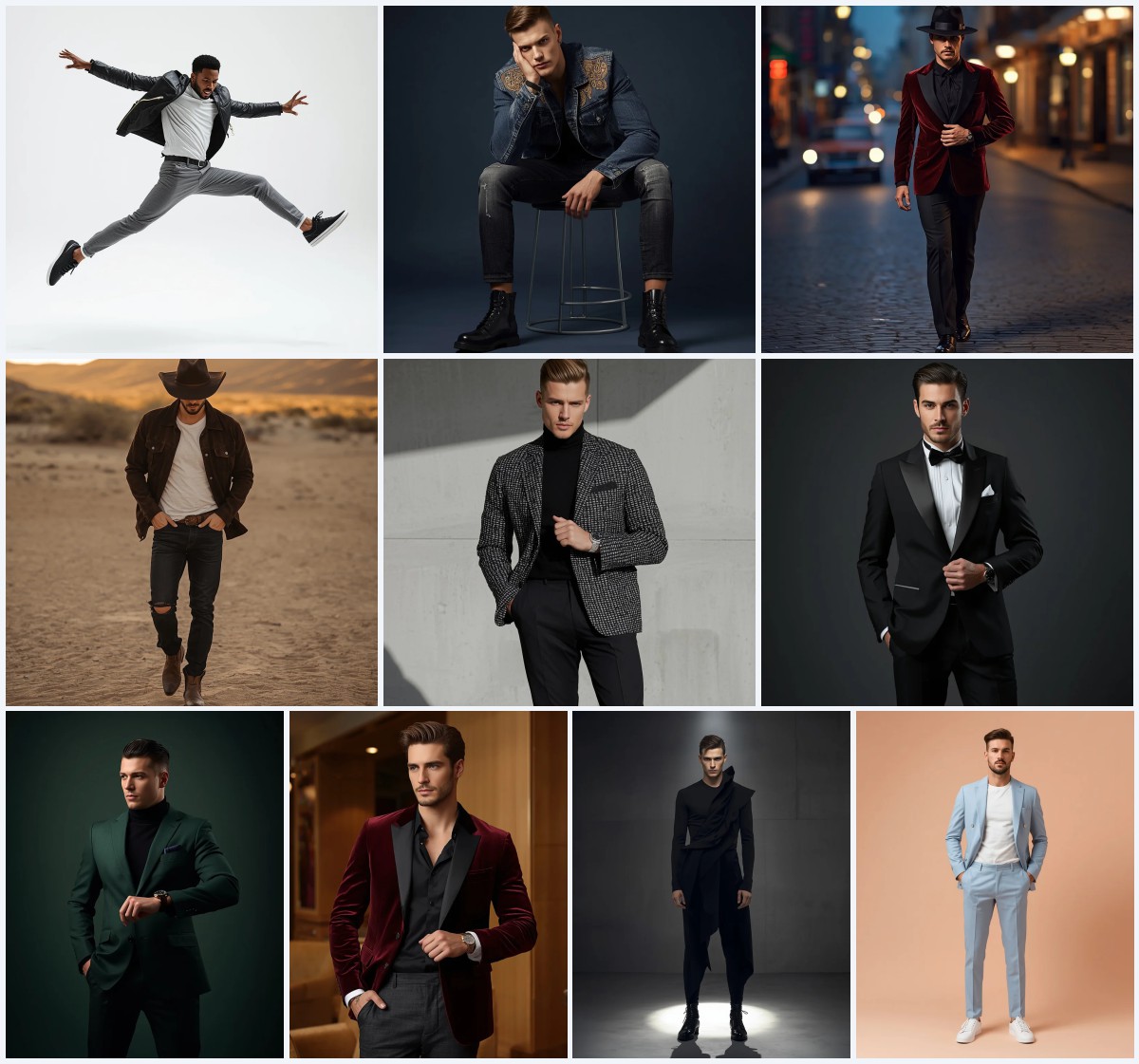
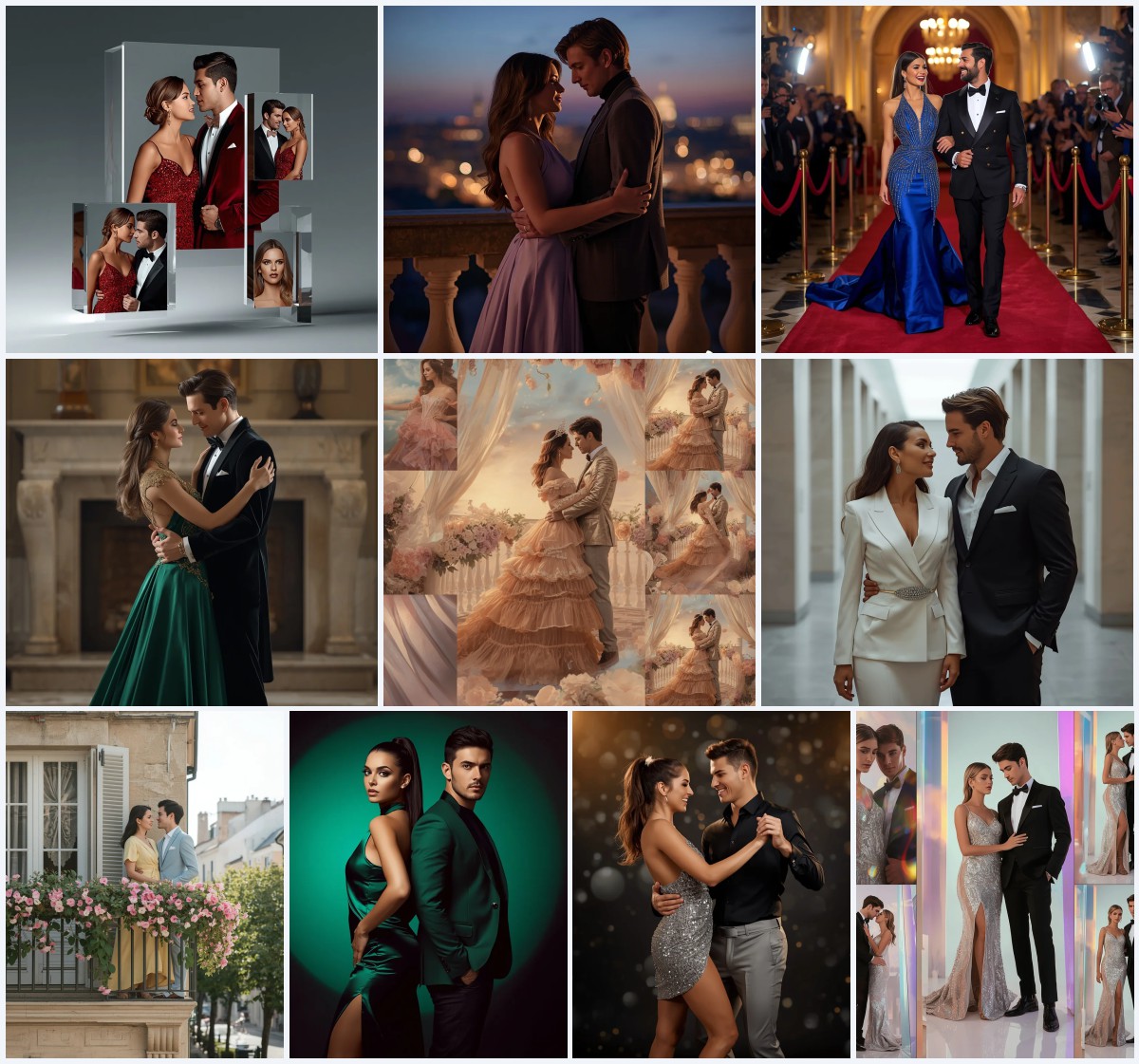
The new wave of Instagram aesthetics is all about versatility and high-definition realism. This collection of ten prompts is designed to help you generate striking portraits that range from formal gala wear to casual western chic. Each prompt is crafted to work seamlessly with reference images, ensuring your facial identity remains consistent across different outfits and settings.
Whether you are looking for a sophisticated black and gold gown or a playful striped mini dress, these prompts provide the specific details needed for top-tier results. By focusing on lighting, fabric texture, and precise styling cues, you can create a cohesive feed that captures the essence of modern digital fashion.
What this collection of aesthetic prompts is asking for
This set of ten prompts focuses on creating ultra-realistic, high-resolution portraits of women in various stylish contexts. The core requirement for most entries is the strict adherence to an uploaded reference image for facial identity, structure, skin tone, and age. The collection spans a wide range of moods, from opulent and cinematic to casual and sun-drenched, ensuring there is a prompt suitable for every type of content creator.
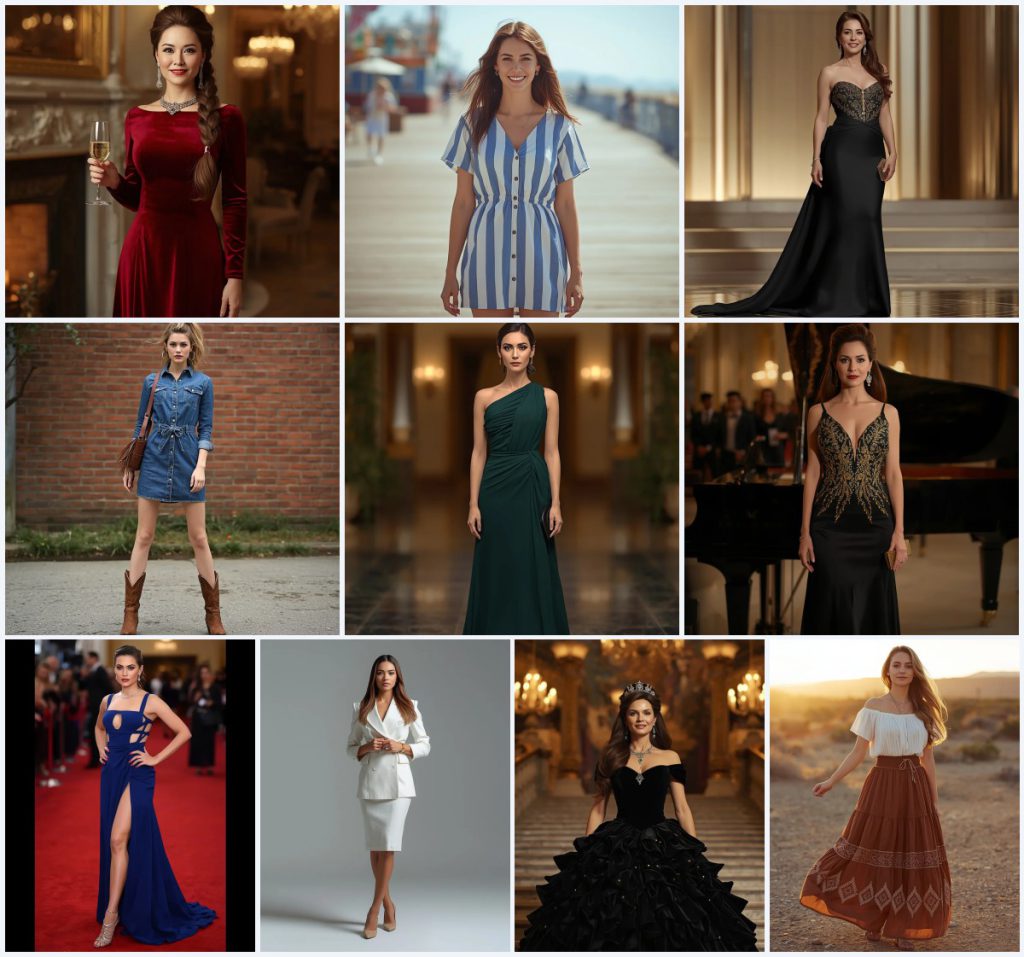
- Deep red velvet A-line gown with a structured boat neckline
- Blue and white striped mini dress made of light cotton
- Black gown with intricate gold embroidery and beading
- Fitted denim shirt dress paired with brown leather cowboy boots
- Deep forest green one-shoulder gown made of flowing chiffon
- White blazer dress with sharp lapels and strong shoulder pads
Setting the stage for your next viral post
The scenes described in these prompts are as important as the clothing. For instance, the first prompt places the subject "standing gracefully by a grand fireplace in a lavish ballroom," which immediately sets a tone of luxury and warmth. This environment helps to frame the subject's expression and posture, making the final image feel like a professional editorial shot rather than a simple studio portrait.
In contrast, the boardwalk scene asks for the woman to be "casually walking along a sun-drenched boardwalk, perhaps eating an ice cream cone." This clause introduces a sense of movement and genuine happiness that contrasts sharply with the more static, formal poses found in the gala prompts. By varying the locations from marble staircases to desert landscapes, the collection ensures a diverse visual narrative.
Why these specific aesthetic choices work so well
These prompts are effective because they balance detailed garment descriptions with clear environmental cues. The specificity of the materials, such as "luxurious silk crepe" or "structured linen-blend fabric," helps the AI understand the weight and drape of the clothing. Additionally, the inclusion of specific jewelry and accessories, like "dazzling ruby and diamond jewelry" or "simple silver hoop earrings," adds layers of detail that increase the overall realism of the generated image.
- Detailed fabric descriptions ensure realistic texture and drape
- Specific lighting cues like "soft, warm ambient lighting" enhance mood
- Clear facial identity instructions maintain consistency across multiple generations
Three distinct styles within this collection
While all prompts aim for photorealism, they utilize three primary stylistic approaches to achieve their goals. These styles are embedded directly into the prompt text to guide the AI's interpretation of the scene. Understanding these three approaches will help you choose the right prompt for your desired outcome.
- Opulent Cinematic: This style uses rich, warm lighting and luxurious fabrics to create a high-end, movie-like atmosphere.
- Sharp Editorial: This approach focuses on clean lines, minimalist backgrounds, and a professional, authoritative presence.
- Sun-Drenched Casual: This style relies on bright, diffused daylight and relaxed poses to convey a sense of effortless charm.
How to use these prompts for best results
To get the most out of this collection, follow a systematic workflow that prioritizes reference quality and iterative refinement. Start by selecting a high-quality photo of yourself or your subject to use as the base. Then, carefully copy the chosen prompt and paste it into your preferred AI image generator. Ensure that the reference image is uploaded correctly before initiating the generation process. Once the initial image is produced, take a close look at the hands, face, and the main object of focus to check for any anomalies. If the face does not match the reference closely enough, adjust the weighting or re-upload the reference. Finally, make any necessary tweaks to the lighting or background elements to perfect the final composition.
- Copy the Prompt. Select the specific aesthetic you want and copy the full text of the prompt.
- Upload Reference. Upload a clear, high-resolution photo of the subject's face to the AI tool.
- Generate Image. Submit the prompt and reference image to start the generation process.
- Check Hands. Inspect the generated hands for any extra fingers or unnatural positioning.
- Verify Face. Compare the generated face against the reference to ensure identity preservation.
- Review Main Object. Ensure the primary garment or accessory is rendered clearly without distortion.
Choosing the right reference photo
The quality of your output is heavily dependent on the input reference photo. Since many of these prompts specify "strictly adhering to the uploaded reference image," the clarity of your source material is critical. You should select a photo that captures the subject's unique features without excessive filters or heavy makeup that might confuse the AI's interpretation of the skin tone and structure.
- Use a front-facing or slightly angled photo with good lighting
- Ensure the face is unobstructed by hair or accessories
- Avoid photos with extreme shadows or high-contrast filters
Best tools for generating these aesthetics
Different AI platforms handle specific types of prompts with varying degrees of success. While some tools excel at maintaining facial consistency, others are better at rendering complex fabrics and cinematic lighting. The following table compares four popular tools based on their accessibility, typical realism, and how they perform with the specific details found in this collection.
| Tool | Access | Typical realism | Useful here for |
|---|---|---|---|
| ChatGPT | Web/Mobile | Moderate | Quick concept checks and basic outfit variations |
| Google Gemini | Web/Android | High | Maintaining facial identity in the velvet gown prompt |
| Leonardo AI | Web | Very High | Rendering intricate gold embroidery on the black gown |
| Midjourney | Discord/Web | Extremely High | Creating the cinematic depth in the opera house scene |
Pro tips for refining your generations
Even with a well-written prompt, the first few generations may require minor adjustments. Pay attention to the specific materials mentioned in the text, as these are often where AI models struggle with texture. By tweaking the keywords related to these objects, you can significantly improve the final result.
- If the "deep red velvet" looks flat, add keywords like "plush" or "textured"
- For the "denim shirt dress," specify "washed denim" if the color looks too dark
- When using the "flowing chiffon" prompt, ensure the wind effect is subtle to avoid chaotic movement
Common issues and how to fix them
AI image generation is not always perfect, and certain types of prompts are prone to specific errors. Recognizing these common failures early can save you time and help you adjust your workflow. The following table lists four potential issues you might encounter with this collection and suggests ways to address them.
| Issue | What to change |
|---|---|
| Facial identity drift | Increase the weight of the reference image or use a clearer photo |
| Distorted hands | Add negative prompts for "extra fingers" or regenerate until satisfied |
| Unrealistic fabric drape | Specify the weight of the material, e.g., "heavy silk" vs "light chiffon" |
| Over-saturated colors | Add terms like "natural tones" or "subtle color grading" to the prompt |
Frequently Asked Questions
Can I use these prompts for commercial purposes?
Yes, provided you have the rights to the reference image used and comply with the specific terms of service of the AI platform you are using.
Which prompt is best for a casual summer look?
The "Playful Striped Mini Dress: A Sunny Day at the Boardwalk" prompt is ideal for a casual, summery aesthetic due to its bright lighting and relaxed pose.
Do I need to edit the prompts before using them?
No, the prompts are ready to use as-is, but you can modify the clothing or background details to better suit your personal style.
Conclusion
This collection of ten prompts offers a versatile toolkit for anyone looking to elevate their Instagram aesthetic. By combining detailed garment descriptions with specific environmental cues and strict facial identity guidelines, you can create a series of high-quality, consistent portraits that stand out in a crowded feed. Experiment with different combinations of outfits and settings to find the look that best represents your personal brand, and don't hesitate to tweak the prompts to fit your unique vision.
Remember to only edit and share photos of individuals who have given you explicit permission to use their likeness.