

New 10 Green Saree AI Prompts for Natural Beauty and Vibrant Aesthetics
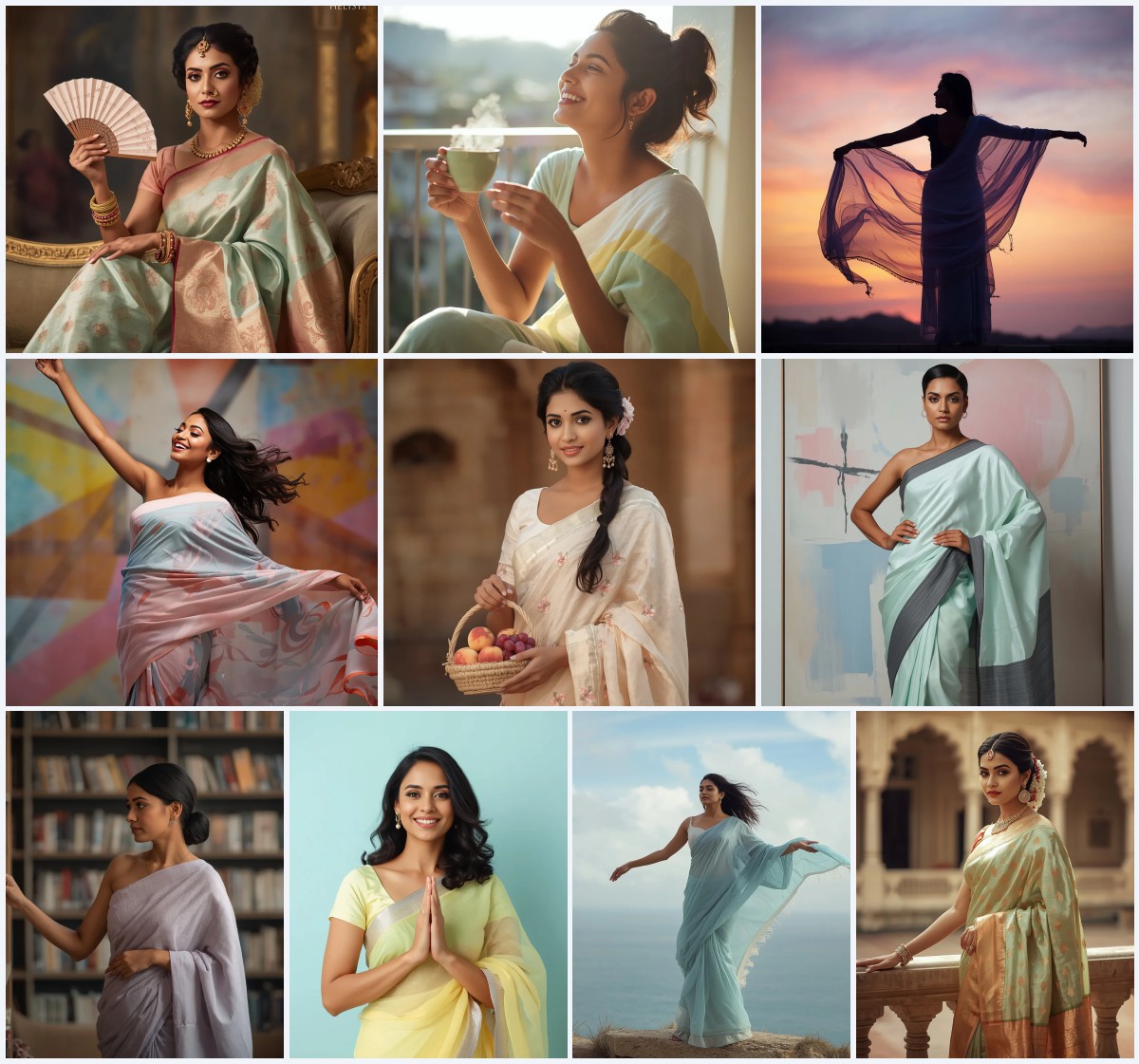
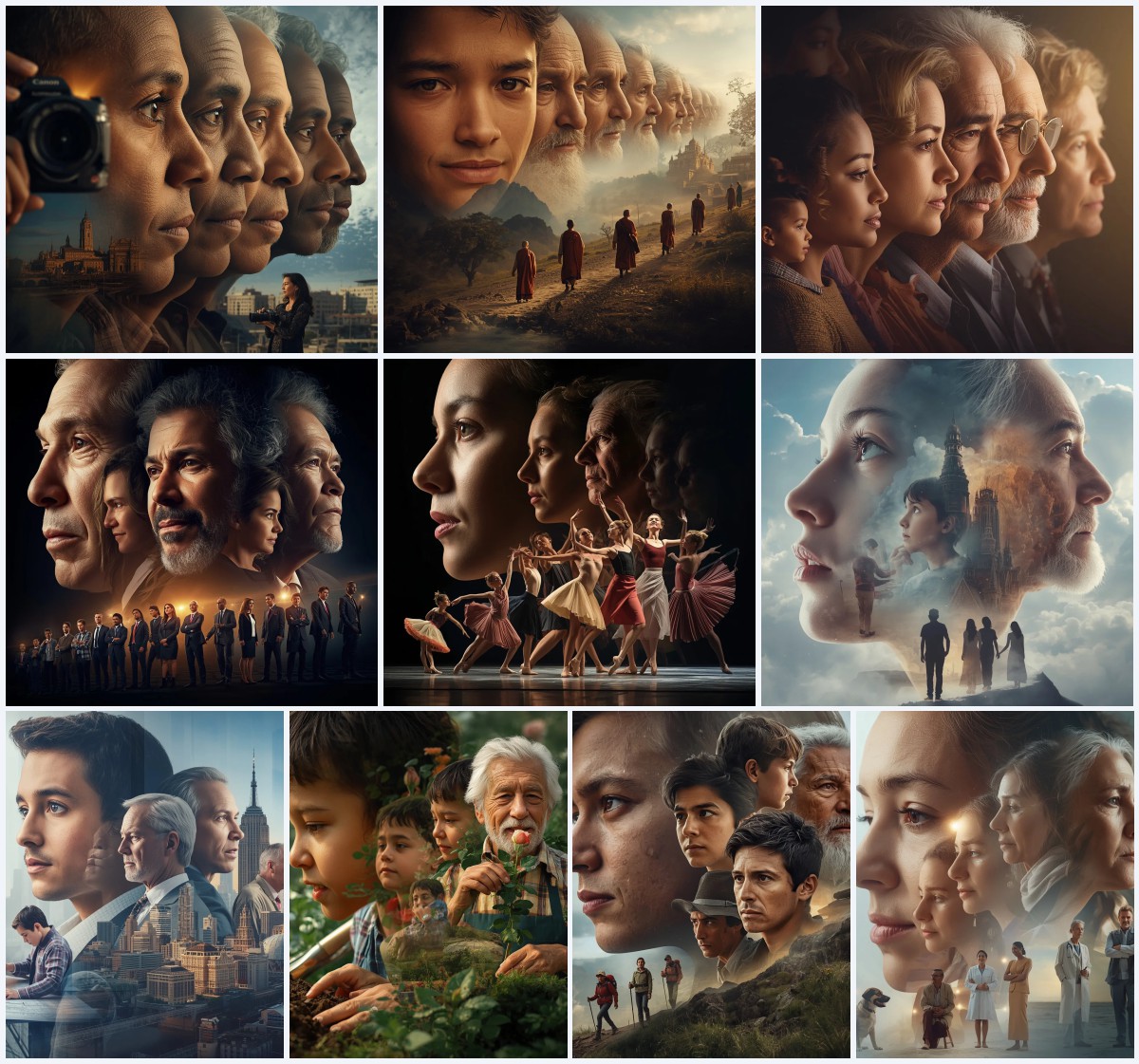
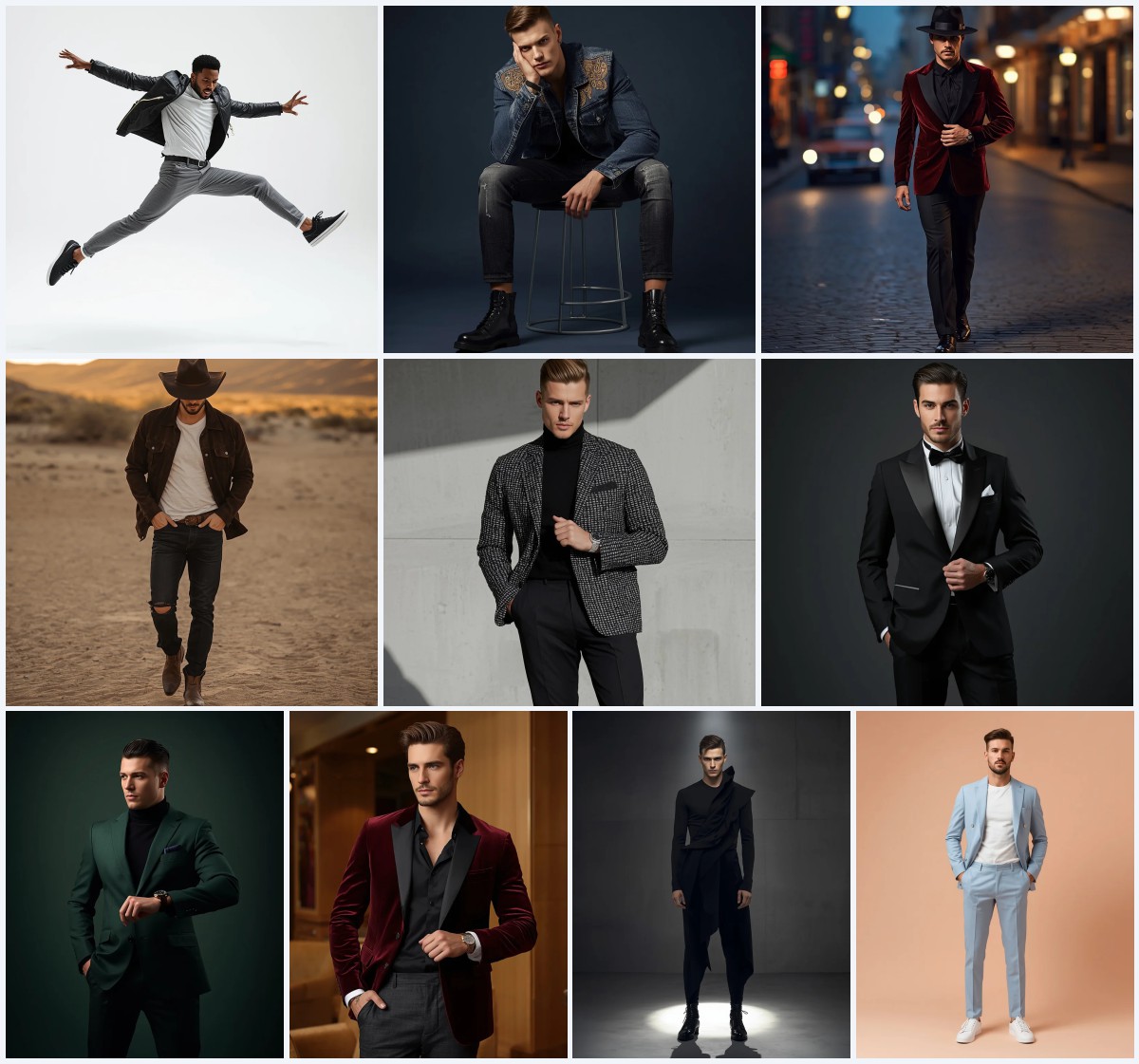
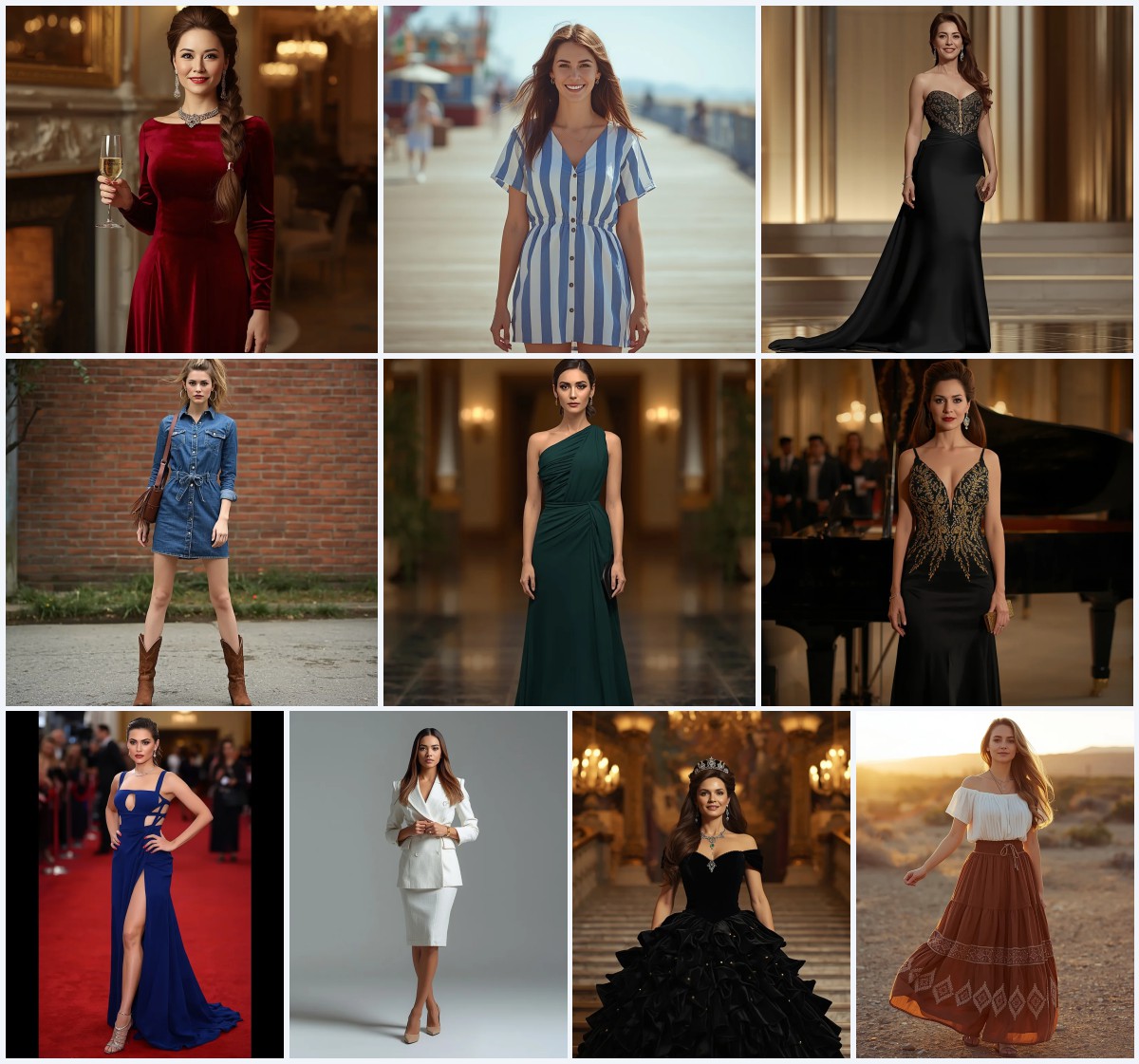
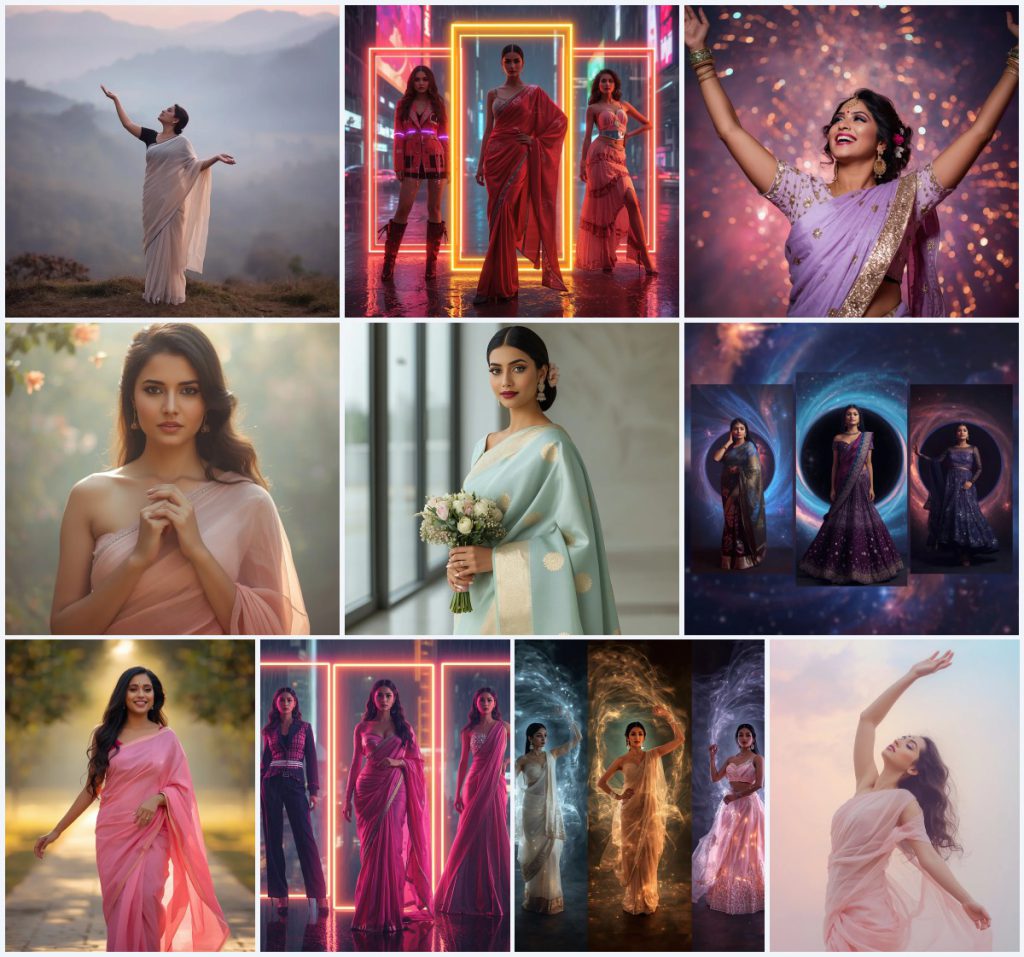
This collection brings together ten distinct AI image prompts that explore the intersection of traditional Indian attire and modern digital aesthetics. While the title highlights green sarees and natural beauty, the set actually offers a broader spectrum of visual storytelling. From serene, mist-filled landscapes to high-energy cyberpunk environments, each prompt provides a unique canvas for creators looking to experiment with color, light, and composition.
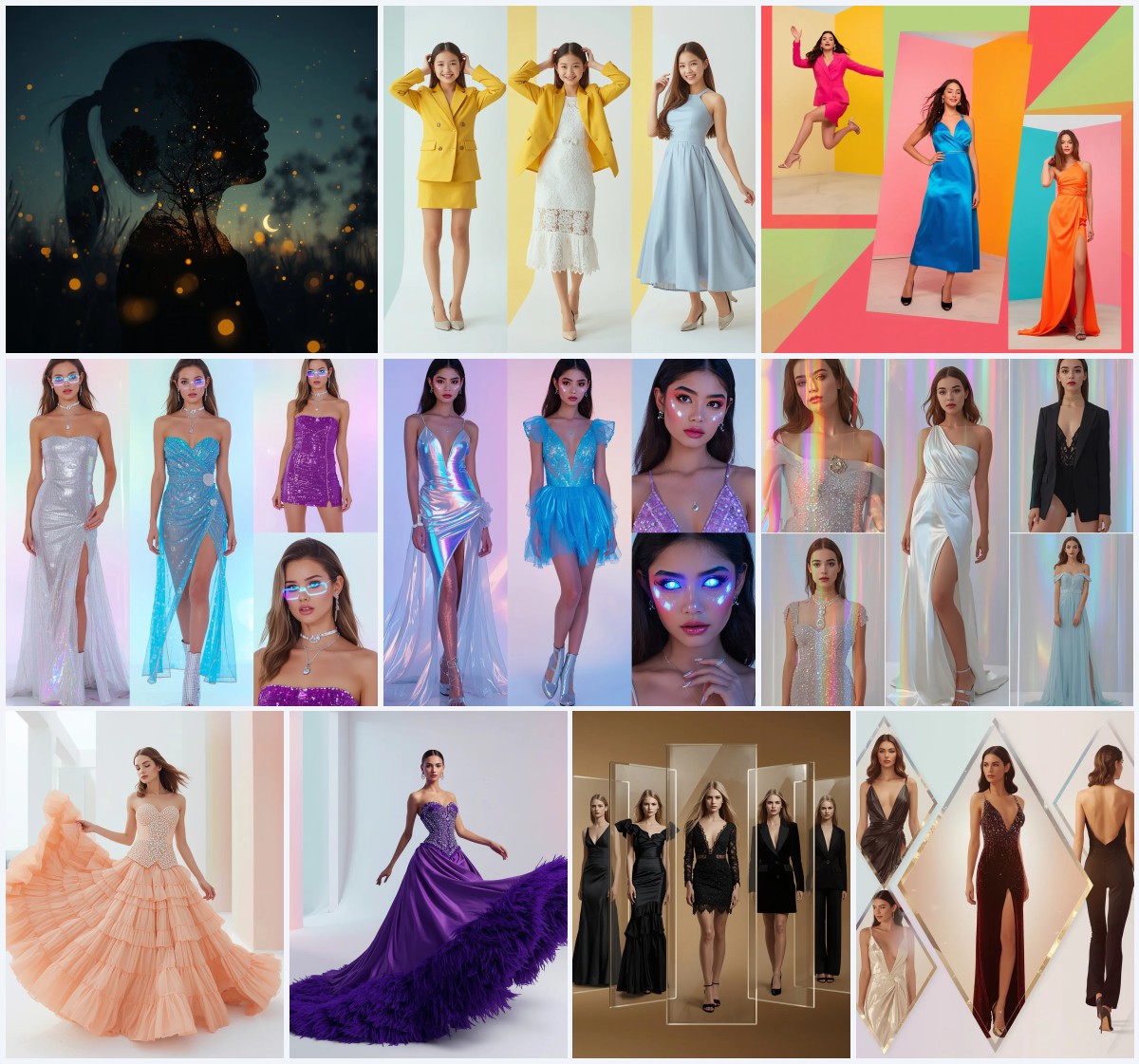
The variety in this set is intentional. Some prompts focus on single, detailed portraits that emphasize fabric texture and facial expression, while others utilize collage formats to showcase multiple outfits within a single frame. Whether you are aiming for a soft, dreamy aesthetic or a bold, futuristic statement, these prompts offer specific instructions that help guide the AI toward consistent and high-quality results.
What this diverse saree collection is asking for
The prompts in this set request a wide range of visual outputs, from realistic travel magazine photos to abstract digital art. They specifically ask for variations in lighting, such as soft rim lighting, harsh neon highlights, and diffused natural light. The core subject remains an Indian woman, but her attire shifts between flowing chiffon sarees, ornate silk pieces, and tech-enhanced festive outfits.
- A misty pastel valley at dawn with blurred mountains in pink, blue, and grey.
- Glowing neon abstract patterns framing futuristic architecture in a cyberpunk city.
- An ornate pastel lavender silk saree embellished with gold thread work and sequins.
- A hazy, ethereal pastel garden background creating a gentle halo effect.
- Swirling luminescent black hole patterns surrounding galactic-inspired festive outfits.
- A sun-drenched pathway with blurred greenery and golden-hour lighting.
How the scenes shift from nature to neon
The collection begins with a tranquil setting described as "a breathtaking vista of blurred pastel pink, blue, and grey mountains, enveloped in mist." This scene relies on ambient backlighting to create a poetic narrative. In contrast, other prompts move into a "blurred, rain-slicked cyberpunk cityscape," where the atmosphere is defined by intense light and shadow rather than softness.
Another segment of the collection focuses on a "vast, abstract cosmic expanse," where the background is not a physical place but a surreal energy field. These shifts allow the same subject to exist in completely different emotional contexts, from peaceful contemplation to dynamic celebration.
Why this mix of styles works for social media
Creating content that stands out requires balancing familiarity with novelty. This collection addresses that need by offering both classic, relatable settings and avant-garde digital concepts. It gives creators the flexibility to match their personal brand or the specific mood of their post without having to write complex descriptions from scratch.
- It provides ready-made solutions for trending aesthetic trends like cyberpunk and cosmic themes.
- It includes realistic options that mimic professional photography, suitable for portfolio use.
- It allows for easy comparison between soft, natural lighting and hard, artificial neon effects.
Three distinct artistic directions in this set
The prompts clearly delineate three primary styles: ethereal realism, cyberpunk collage, and cosmic abstraction. Each style uses specific lighting cues and background elements to distinguish itself. Understanding these three categories helps you select the right prompt for your desired final look.
- Ethereal Realism: Focuses on soft, diffused lighting and natural backgrounds like misty valleys or gardens to create a dreamy, photographic look.
- Cyberpunk Collage: Uses harsh dramatic lighting, neon frames, and rain-slicked cityscapes to produce a vibrant, edgy, and futuristic aesthetic.
- Cosmic Abstraction: Features swirling black hole patterns and nebula lighting to create a surreal, otherworldly visual experience.
Step-by-step guide to generating these images
To get the best results from these prompts, follow a structured workflow that ensures consistency across generations. Start by selecting the specific prompt that matches your desired style, then prepare any reference materials if needed. The generation process requires attention to detail, particularly regarding human anatomy and fabric rendering.
- Copy the Prompt. Select the text of the chosen prompt and copy it entirely to ensure all descriptive clauses are included.
- Upload Reference. If using an image-to-image tool, upload a reference photo that matches the pose or outfit description in the prompt.
- Generate Image. Paste the prompt into the AI generator and initiate the creation process, allowing the model to process the details.
- Check Hands. Inspect the generated hands for extra fingers or unnatural joints, which are common errors in AI imagery.
- Check Face. Verify that the facial features are symmetrical and the expression matches the intended emotion described in the prompt.
- Check Main Object. Ensure the saree fabric drapes correctly and that the specific embellishments mentioned in the prompt are visible.
Choosing the right reference photo
When using reference images to guide the AI, it is crucial to select photos that align with the technical specifications of the prompt. A good reference should provide clear visual data about the subject's structure and the environment's lighting conditions. This helps the AI maintain coherence between the input image and the text description.
- Select a photo with clear, unobstructed views of the subject's face and upper body to aid in feature accuracy.
- Choose images with similar lighting conditions, such as soft backlighting for dreamy scenes or hard shadows for cyberpunk looks.
- Use references where the fabric texture is visible, so the AI can accurately replicate the drape and sheen of the saree.
Which tools handle these prompts best
Different AI platforms have varying strengths when it comes to handling complex fashion and landscape prompts. Some excel at photorealistic skin tones, while others are better at interpreting abstract, non-physical backgrounds. The table below compares four popular tools based on their accessibility and typical output quality for this specific collection.
| Tool | Access | Typical realism | Useful here for |
|---|---|---|---|
| ChatGPT | Free/Tiered | Moderate | Generating initial concept sketches or text-based variations of the misty valley scene. |
| Google Gemini | Free/Tiered | High | Handling the multi-modal aspects of the cyberpunk collage prompts with strong context understanding. |
| Leonardo AI | Freemium | Very High | Rendering the intricate gold thread work and sequins on the ornate pastel lavender silk saree. |
| Midjourney | Paid | Artistic/High | Creating the surreal, expansive aesthetic of the abstract cosmic black hole swirl collage. |
Tips for enhancing specific details
To refine the output of these prompts, pay close attention to the materials and objects specified in the text. Small adjustments to keywords related to fabric type or lighting direction can significantly improve the final image. These tips focus on the tangible elements that define the character of each scene.
- Emphasize the 'chiffon' material in the prompt to ensure the fabric appears lightweight and flowing rather than stiff.
- Specify 'gold thread work' clearly to prevent the AI from simplifying the embroidery into generic patterns.
- Use terms like 'volumetric light rays' when describing the cosmic scenes to add depth and dimension to the background.
Common issues and how to fix them
AI image generation is not perfect, and certain types of failures are more likely to occur with complex prompts involving multiple layers or abstract concepts. Recognizing these common issues allows you to adjust your approach or regenerate the image with modified parameters. The following table lists specific problems associated with this collection and suggested solutions.
| Issue | What to change |
|---|---|
| Distorted hands in raised poses | Add negative prompts for 'extra fingers' or simplify the hand position in the text description. |
| Muddy colors in the misty valley | Increase the saturation keywords for 'pastel pink' and 'blue' to keep the background vibrant. |
| Blurred neon lights in cyberpunk scenes | Use sharper lighting terms like 'crisp neon edges' instead of just 'glowing' to define the lines. |
| Inconsistent fabric texture across collage segments | Break the collage into individual prompts and combine them manually for better control over each dress. |
Frequently Asked Questions
Can I use these prompts for commercial purposes?
Yes, most AI generators allow commercial use of generated images, provided you adhere to their specific licensing agreements. Always check the terms of service of the tool you are using.
Why do some prompts mention 'collage'?
Collage prompts are designed to show multiple outfits or angles in a single frame. They are useful for showcasing variety but may require higher resolution settings to remain legible.
How do I make the saree look more realistic?
Include specific fabric names like 'Banarasi silk' or 'chiffon' and describe the weave or sheen. Adding keywords like 'high-resolution texture' also helps.
Conclusion
This collection of ten prompts offers a versatile toolkit for creating visually striking AI images featuring Indian women in sarees. By covering a wide range of styles from natural landscapes to futuristic cyberscapes, it caters to diverse creative needs. Experiment with the different lighting and material descriptions to find the combination that best suits your vision, and remember to iterate on the details to achieve the highest possible quality.
Remember that you only have the right to edit photos that you own or have explicit permission to modify.